All scripts
  • ESX
  • QBCore
  • QBox

Zerio InvoiceFiveM Billing Script

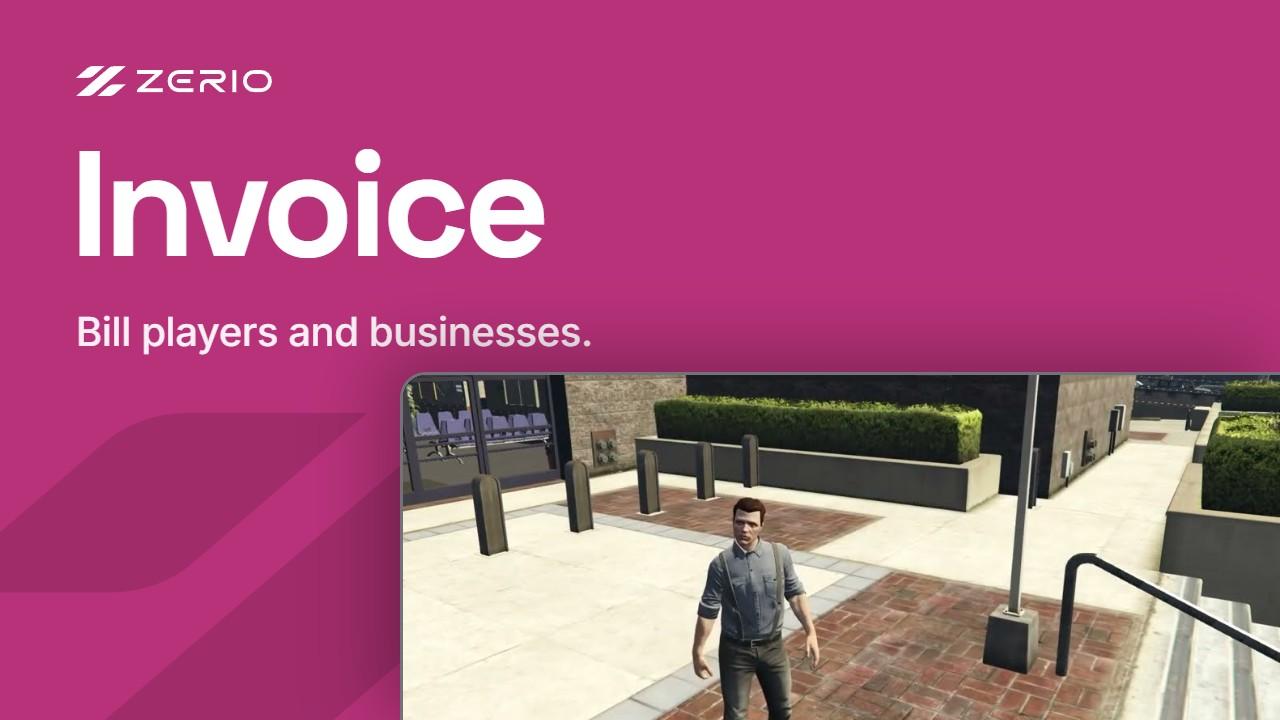
This is a beautiful and feature-packed invoicing system. It is simple and effective to use, it contains all of the features you would need, such as sending invoices to both players/businesses, an in-game admin menu displaying all the information about your server's invoices, and much more!

  • Instant delivery to your keymaster
  • Lifetime updates
  • Secure Tebex checkout
  • 3-day money-back guarantee

First order? Use FIRST15 for 15% off.
Pairs well with

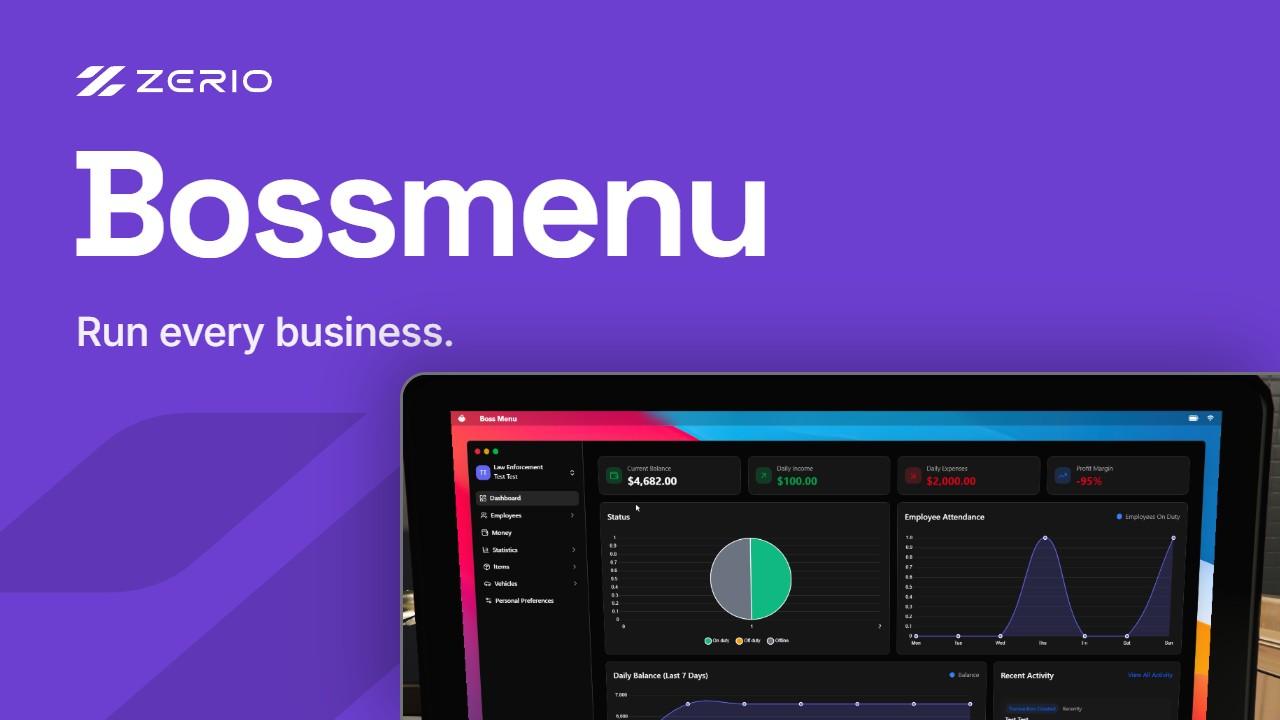
Invoices bill the customers. The boss menu runs the rest of the business.

Frameworks
ESX · QBCore · QBox
Delivery
Instant · Cfx.re keymaster
Updates
Lifetime, included
Support
Zerio Discord

Everything it does

  • Drag and drop installation
  • Player Invoices
  • Business Invoices
  • Admin Menu
    • Server Overview
    • Job Overview
    • Admin Management
    • Logs
  • Choose custom due/send dates
  • Autopay after the due date
  • Sleek & Modern UI
  • Customizable
  • Themes
  • Lifetime support

Drops into your stack

Check what your server needs before you buy. Custom integrations are possible on request.

Frameworks
ESX · QBCore · QBox
Requirements

This script has only been tested on official variants of esx/qbcore, therefore we can only guarantee support for such versions. If you are using a custom version of esx or qbcore, it is up to you to modify the functions files to make the script fit your server.

License
Lifetime access · Included, forever
Delivery
Instant, to your Cfx.re keymaster
Checkout
Secure, by Tebex · 3-day money-back guarantee

Installation Guide

  1. 1

    Download the script from the Cfx.re Portal

  2. 2

    Upload it to your server's resources folder

  3. 3

    Import the SQL (if the script has any)

  4. 4

    Add it to server.cfg

  5. 5

    Configure, then restart

How to install a FiveM script after buying it

Join 3,018 server owners on Discord

800 online now · Ask before you buy, get support after.

Join the Discord

Frequently asked questions

Quick answers before you buy. Still unsure? Ask us on Discord and we'll get back to you, usually within a few hours.
Both players and businesses. The script handles personal invoices and business invoices in the same UI.

Each invoice can have its own send date and due date. With autopay, the amount is collected automatically once the due date has passed.

An in-game admin menu with an overview of the whole server, an overview per job, invoice management, and logs.

Yes. The UI comes with customizable themes.

We sadly can't offer free trials of our resources, but we are working on a test server, where you will be able to try our resources in-game before purchasing them.

Delivery is instant via Tebex after checkout, but can be delayed if systems are down at the time of purchase. You can download the package from the FiveM portal, drag it into your server resources, lastly add it to your server.cfg file. Always make sure you have all the possible requirements for the script to function as it should (framework, dependencies, etc.)

Purchases give you one copy of the asset to your logged in FiveM account. Each FiveM account can have 3 server keys at the same time, and the asset can be transferred once to another account.

All our products have supported frameworks noted. QBCore always also entails QBox, and Standalone entails it can be ran without any server framework, a script can still have other dependencies while being standalone. We test our products on the latest FiveM artifacts and actively maintain compatibility.

Our products use FiveM's asset protection to protect our core logic. Configuration files, locales, and a file with unlocked functions are open for you to customize. Deobfuscation is not permitted, but we're always accepting suggestions. If you're unsure about if what you're looking for is possible, contact us and we'll help you out.

Yes - purchases include lifetime access and support. We prioritize bug fixes and critical compatibility updates, and provide our assistance via Discord. Response times vary by load, but we aim to reply within a few hours at most.
View all scripts