Standalone FiveM scripts
Standalone scripts don't need a framework. They work on any FiveM server, and pick up ESX, QBCore or QBox automatically when one is installed.
- ESX
- QBCore
- QBox
- Standalone
Radio
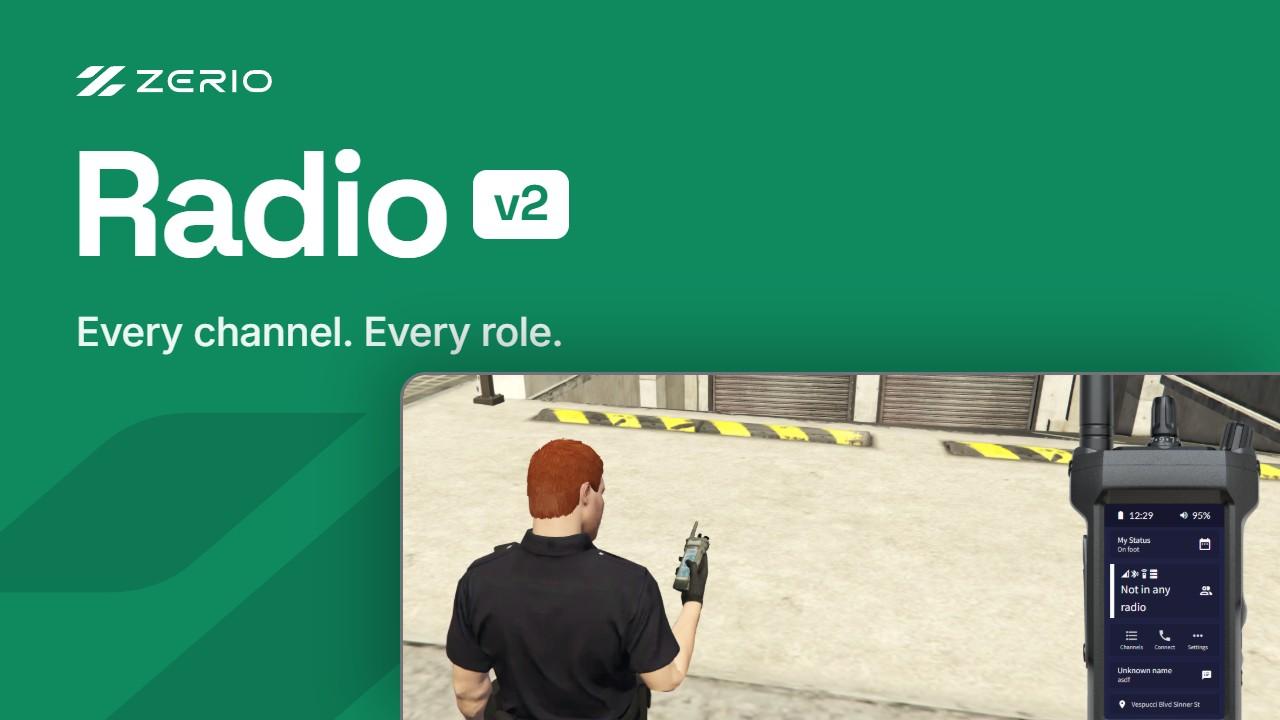
Feature-rich FiveM radio script: channel access control, messaging, contacts, scanner, panic button and a modern UI. For ESX, QBCore, QBox and standalone.
Guides
Read the guidesUpdated 29 Oct 2026 · 2 min read
How to install a FiveM script after buying it
Download a purchased FiveM script from the Cfx.re Portal, add it to your server, import its SQL and start it, step by step.
Updated 14 Nov 2026 · 2 min read
ESX vs QBCore vs QBox: which FiveM framework should you use?
A practical comparison of the three big FiveM roleplay frameworks, ESX, QBCore and QBox, and how to pick one for a new or existing server.
Standalone scripts FAQ
The script runs on any FiveM server without ESX, QBCore or QBox. If you do run one of those frameworks, it detects it and uses its jobs and permissions.
Scripts are delivered instantly to the Cfx.re account you sign in with at checkout. Download them from your FiveM keymaster under Granted Assets and drop them into your resources folder.
Yes. Every purchase includes lifetime updates and support through our Discord server.
Join 3,025 server owners on Discord
953 online now · Ask before you buy, get support after.